
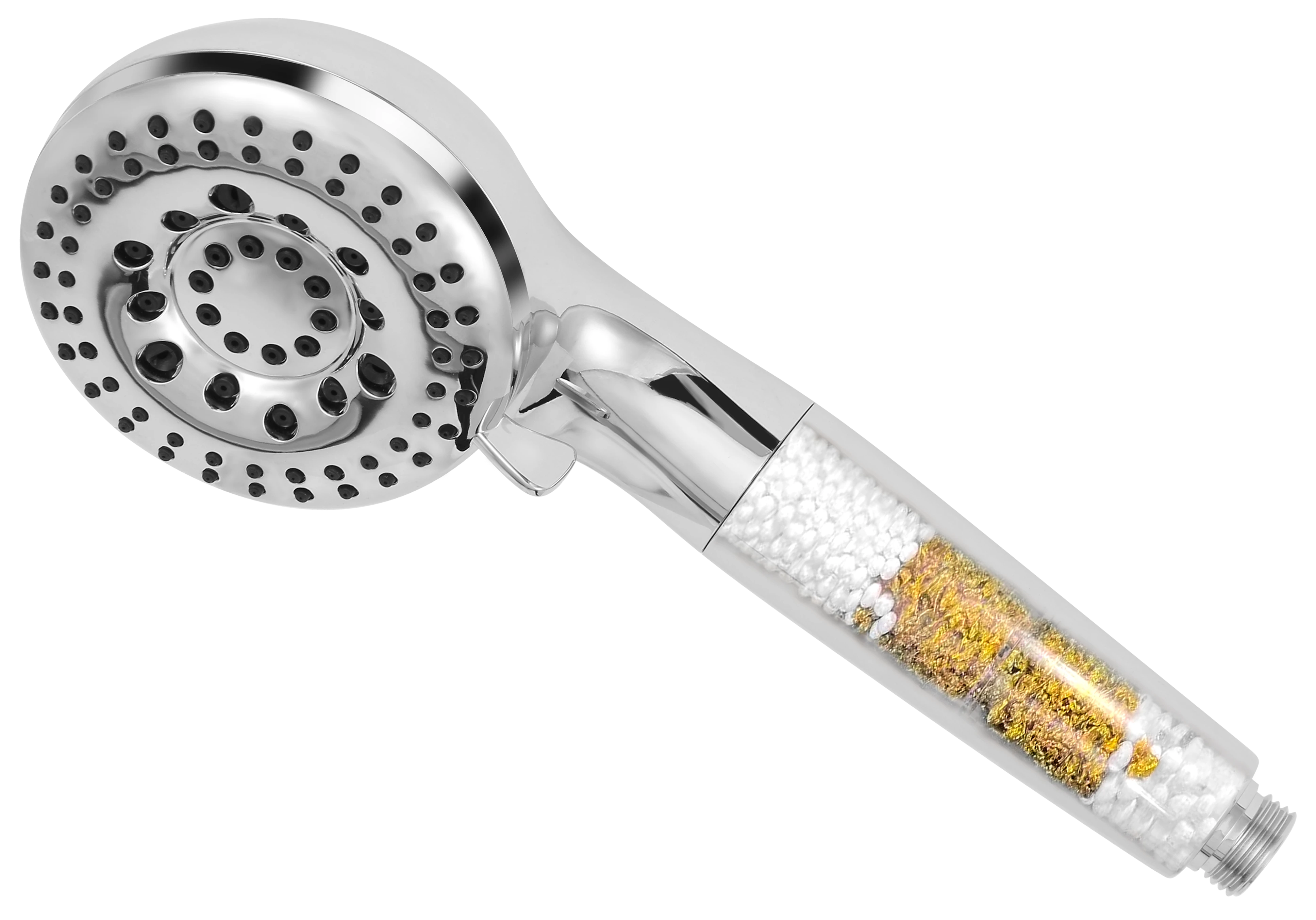
Filtered Handheld Shower Heads
Filtration, close at hand.
HH901
8 shower settings. 2 cleaning jet modes.
Replaceable HH90C filter inside the handle.
Includes a 59-inch hose, bracket and two washers.
- Format
- Handheld shower head
- Model
- HH901
- Filter location
- Inside the handle
- Replacement cartridge
- HH90C
- Replacement interval
- 3–4 months
- Capacity reference
- 6,000 US gallons (approx. 22,700 L)
- Shower settings
- 8
- Cleaning jet modes
- 2
- Included hose
- 59 inches (approx. 1.5 m)
Use & care
HH901
Installation guide.
Before installation
Turn off the water. To remove an existing fixed head or bracket holder, protect the ball joint with a soft cloth and loosen it counterclockwise using a wrench or pliers where required. Tools are not included. Check and remove old sealing tape and worn washers before fitting the new connection.
Everything in the set
Includes: HH901 shower head, 59-inch (approx. 1.5 m) metal hose, bracket and two rubber washers.
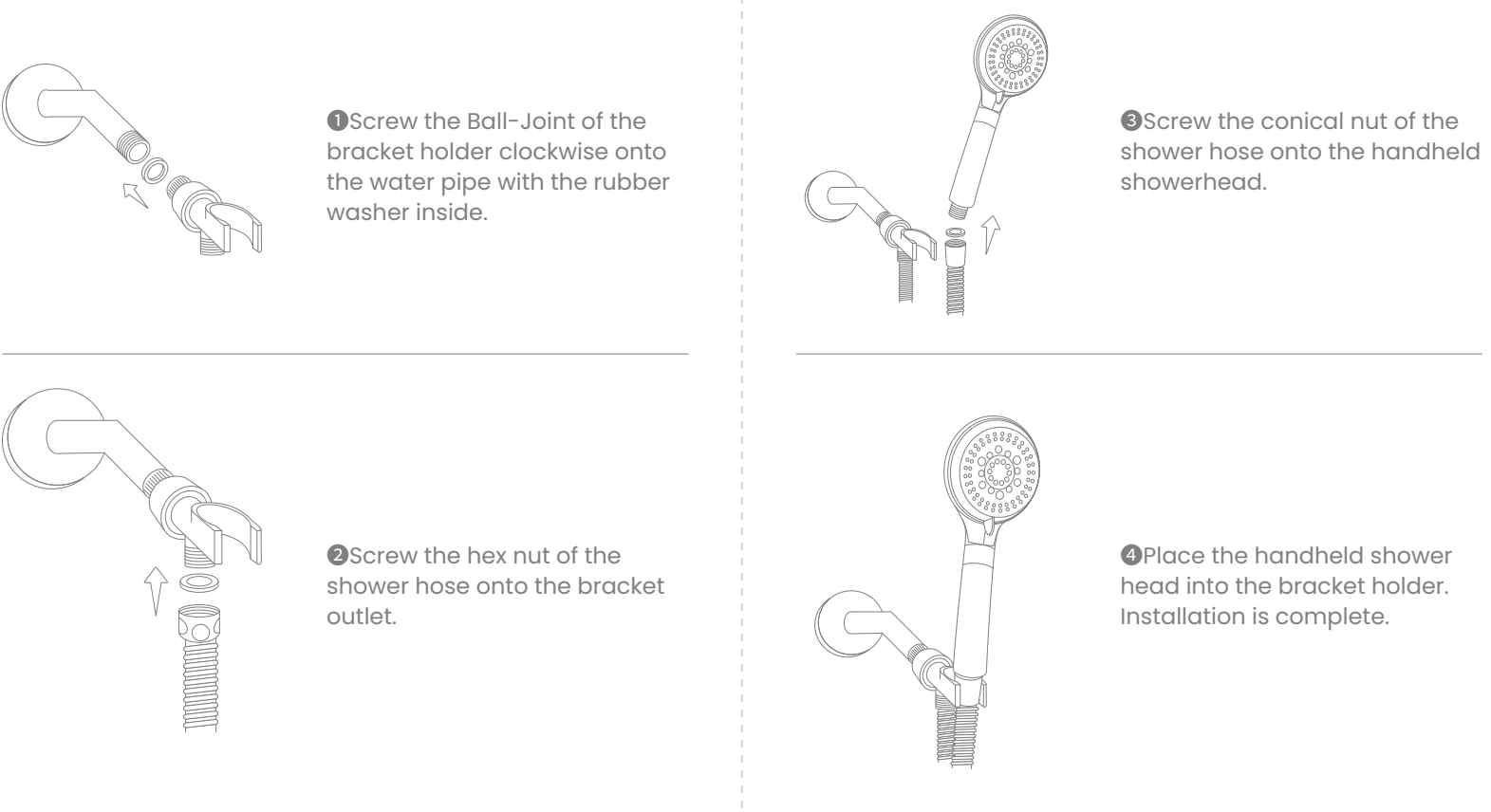
Install the hose and bracket
- With the rubber washer inside, fit the bracket ball joint clockwise to the shower pipe.
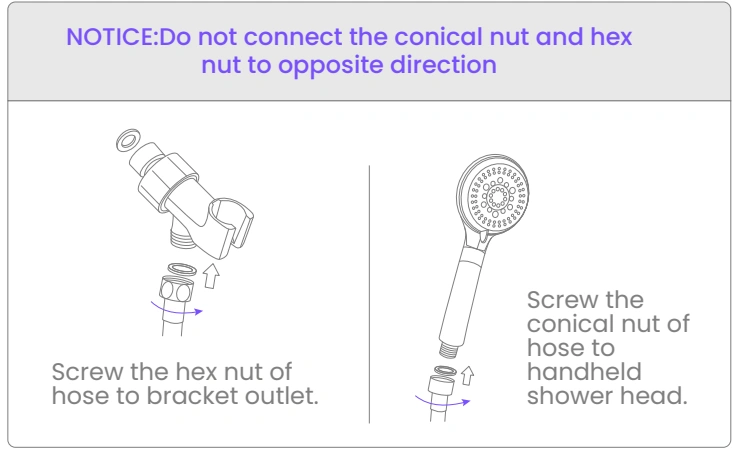
- Connect the hose’s hexagonal nut to the bracket outlet.
- Connect the hose’s conical nut to the handheld shower head.
- Place the head in the bracket and check for leaks.
Do not reverse the hexagonal and conical ends of the hose.
Choose a spray or cleaning mode
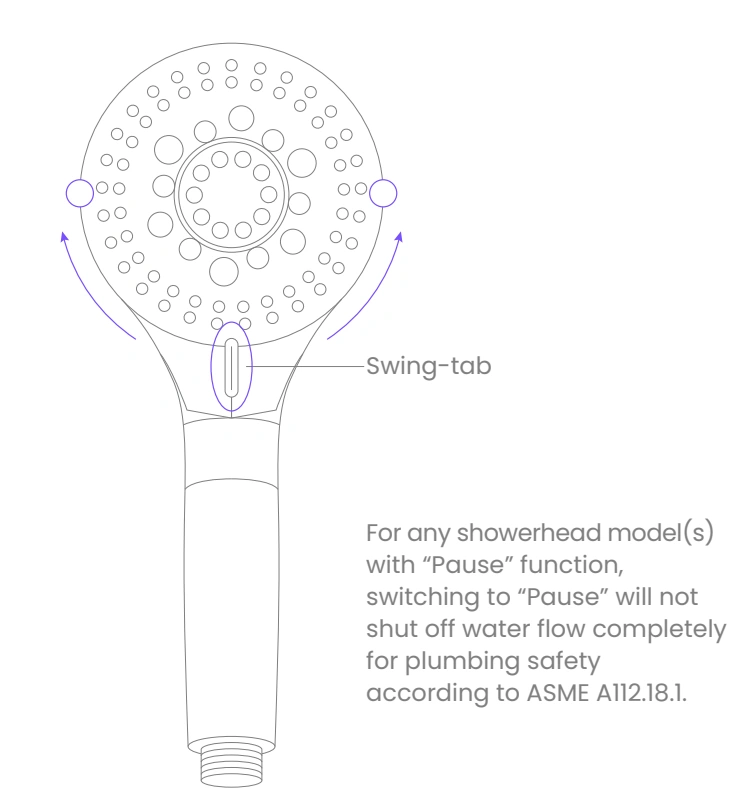
Move the swing-tab on the face left or right until it clicks into position. There are eight shower settings and two cleaning jet modes. Aim the jet outlet safely before selecting a cleaning mode.
Troubleshooting
- Low flow after installation: check the hose for twisting or kinks and straighten it.
- Leak between the head and hose: check the black washer in the conical nut. Use the supplied additional washer if needed, as shown in the instructions.
- Old hose does not fit: inspect the thread for wear, scale or mismatch. Use the supplied matching hose.
Pause is not off
The Pause setting reduces water flow; it does not shut it off completely. Turn off the water using the faucet or mixer after use.
HH901 / HH90C
How to replace your cartridge.
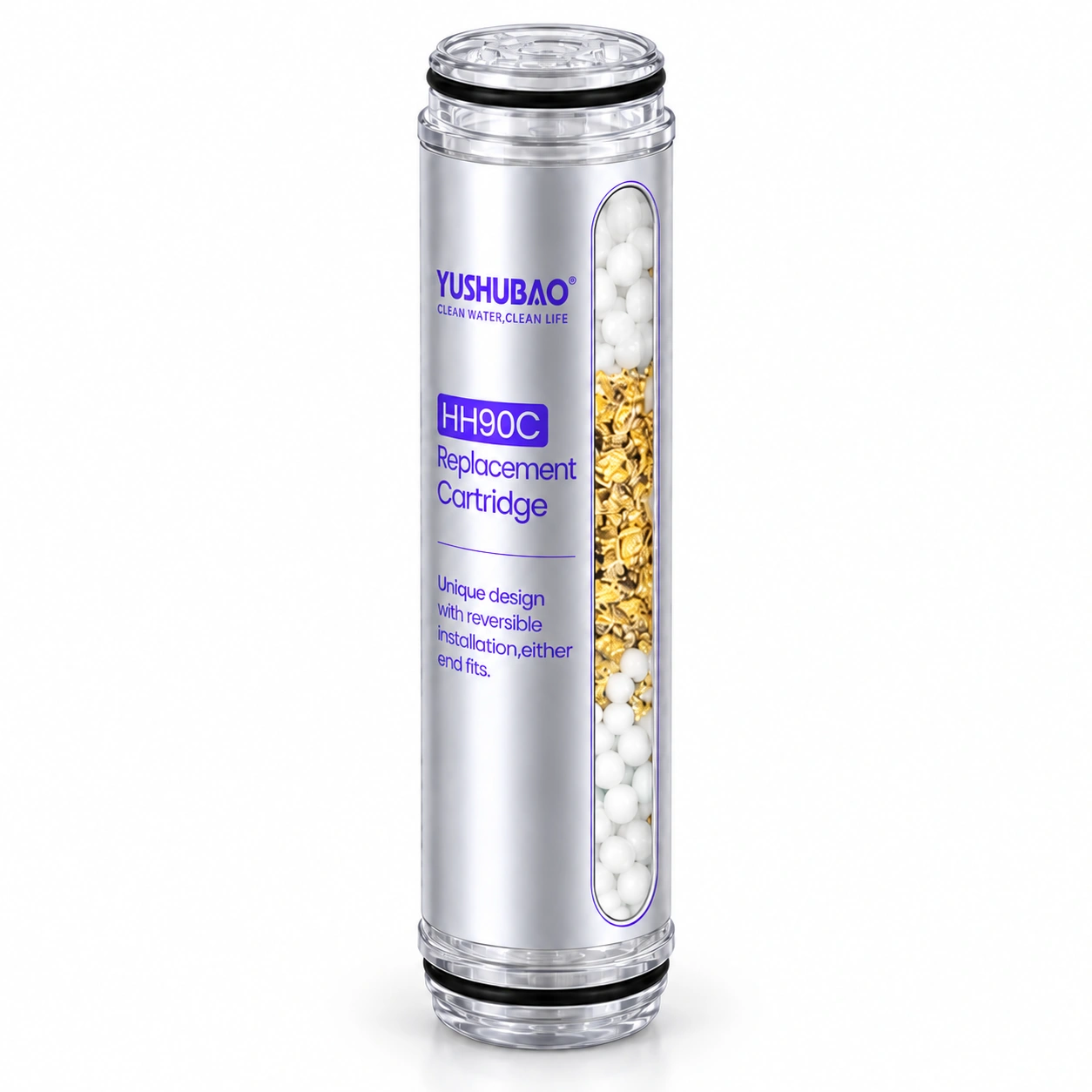
- Turn off the water and unscrew the shower handle.
- Twist out the used HH90C cartridge.
- Insert the new HH90C cartridge with either end first.
- Screw the handle back on and check the connection.
Flush before use
After reassembly, run warm water at 40–50°C (104–122°F) through the filter for one minute to activate and flush the new cartridge. Adjust the water to a comfortable temperature before use.
Replace the cartridge every 3–4 months or after 6,000 US gallons (approx. 22,700 L), whichever comes first. Water quality and use may require earlier replacement.
Explore the collection.
See all products ↗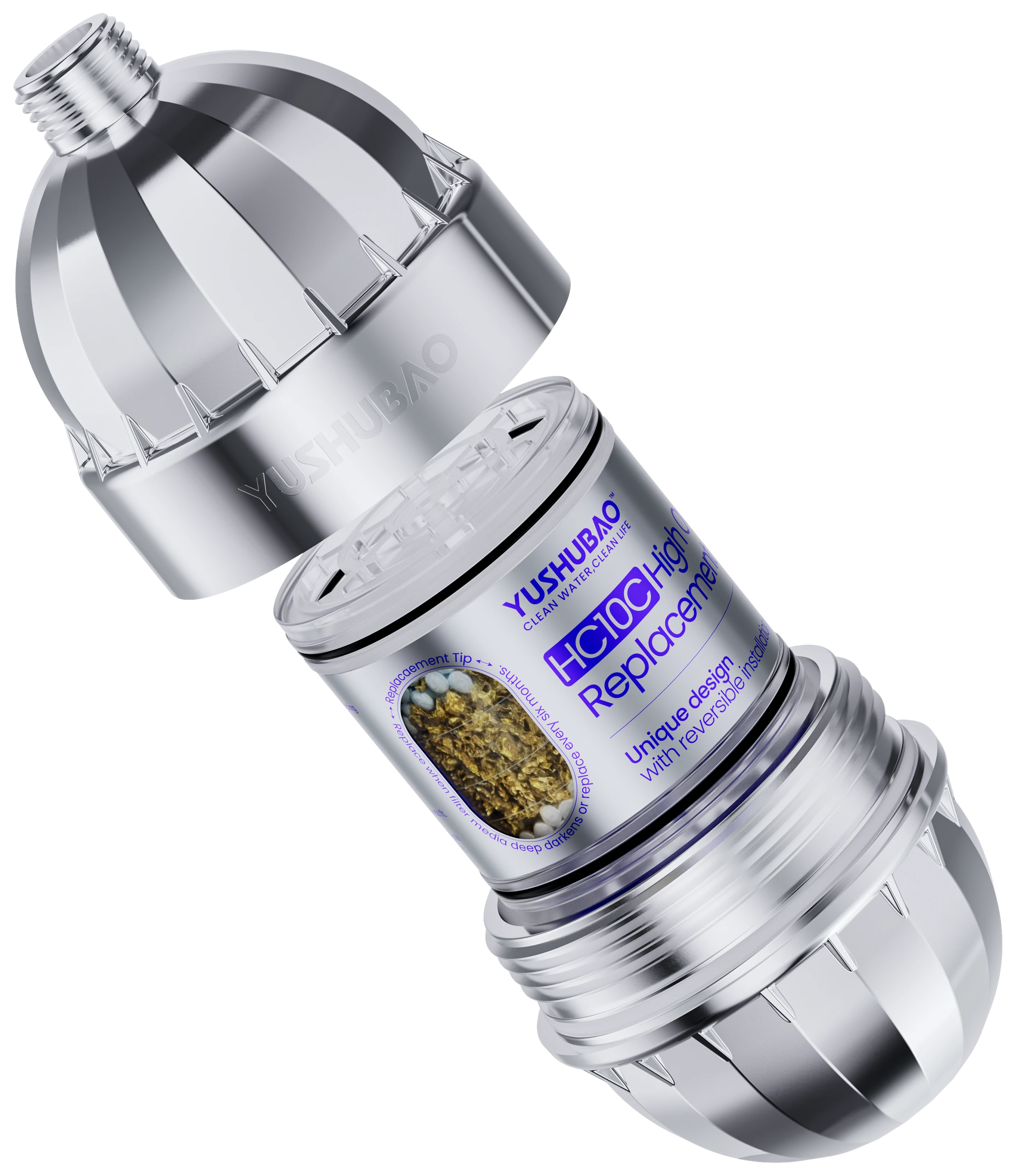
High Output Universal Shower Filter
An inline filter for your existing shower setup.
View filter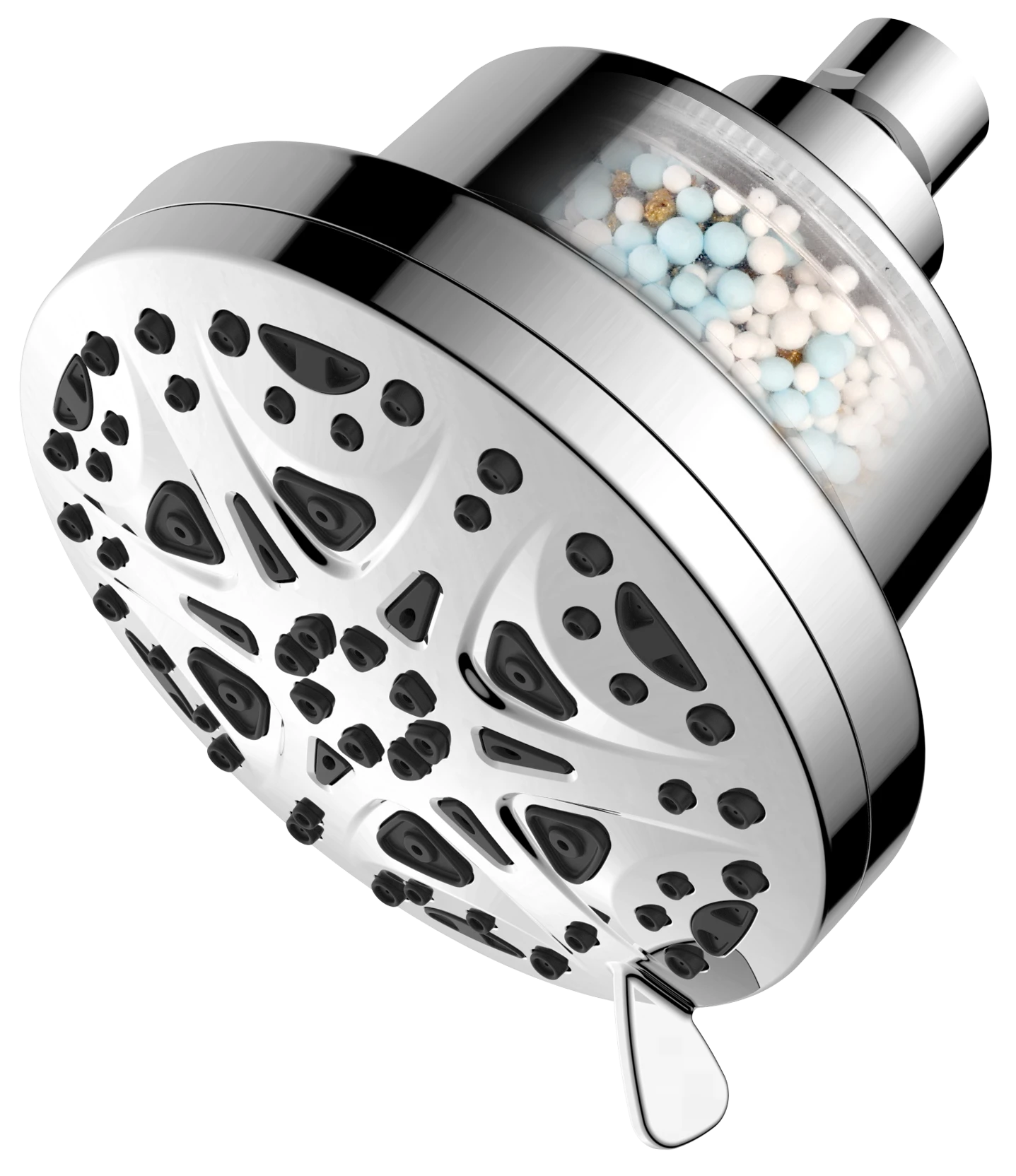
High Pressure Filtered Shower Head
8 spray settings in a fixed shower head with a replaceable filter.
View filter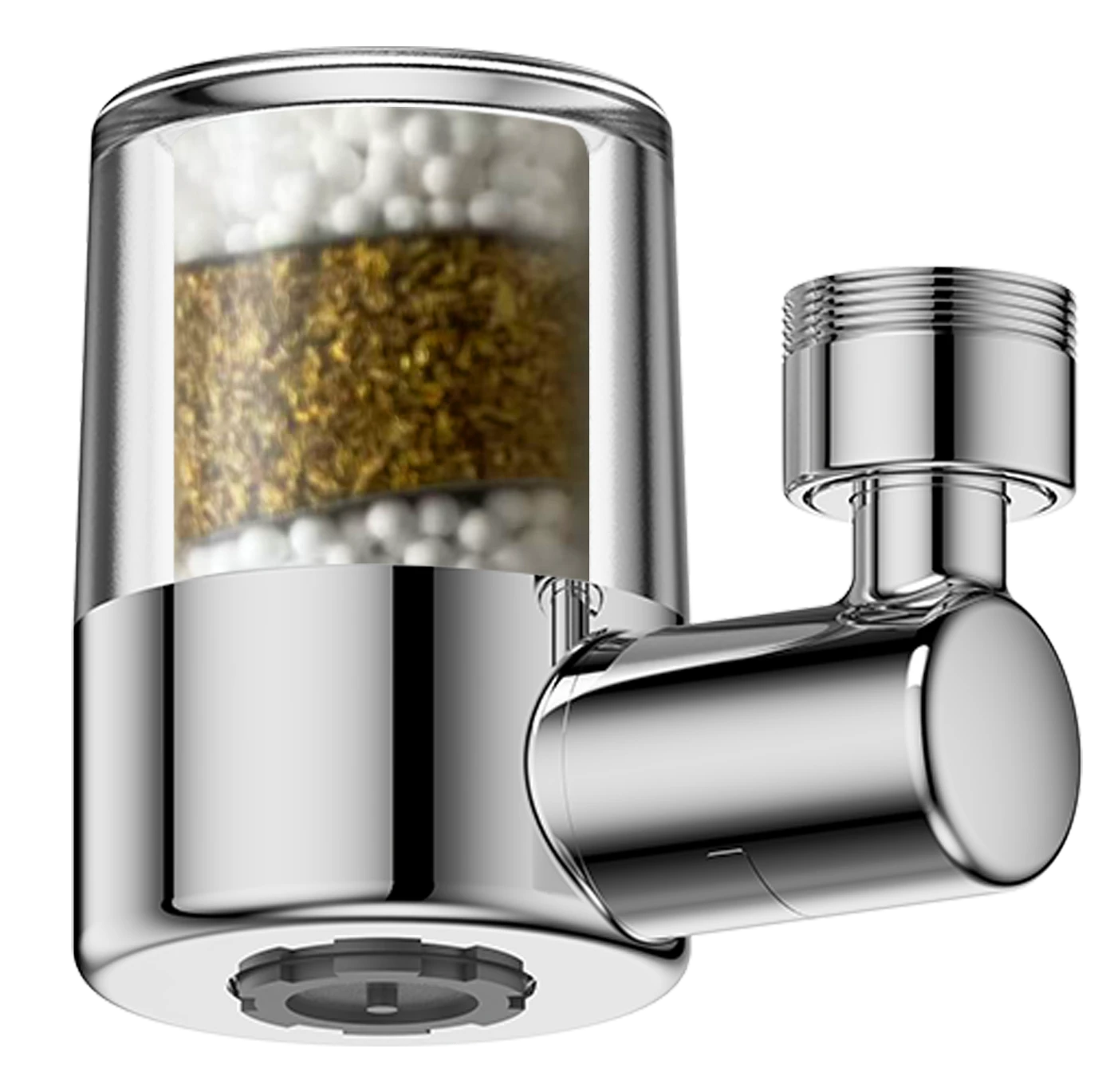
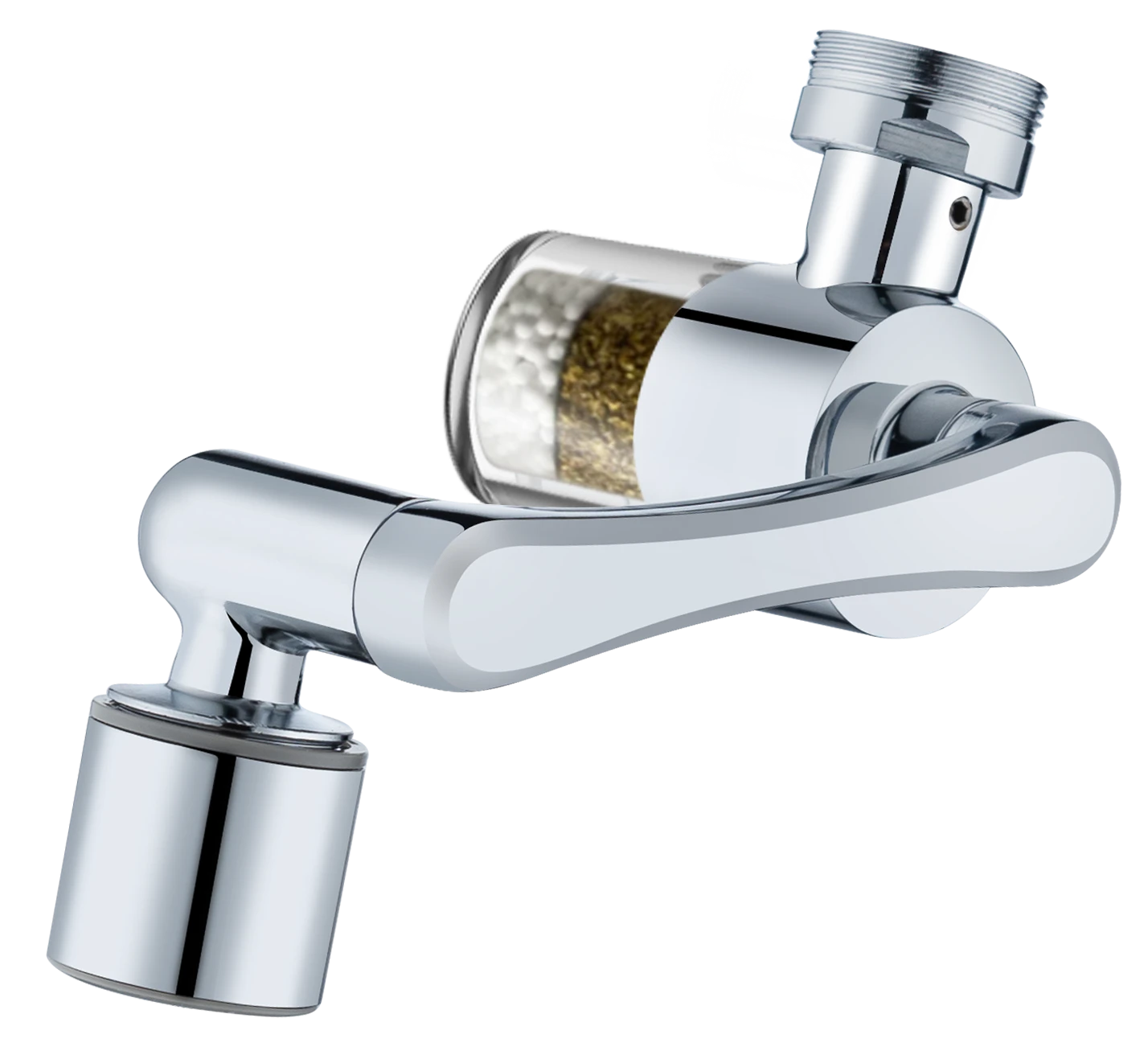
Swivel Faucet Water Filter Extenders
720° or three-joint 1080° adjustment. Two water modes. One matching cartridge.
View filter